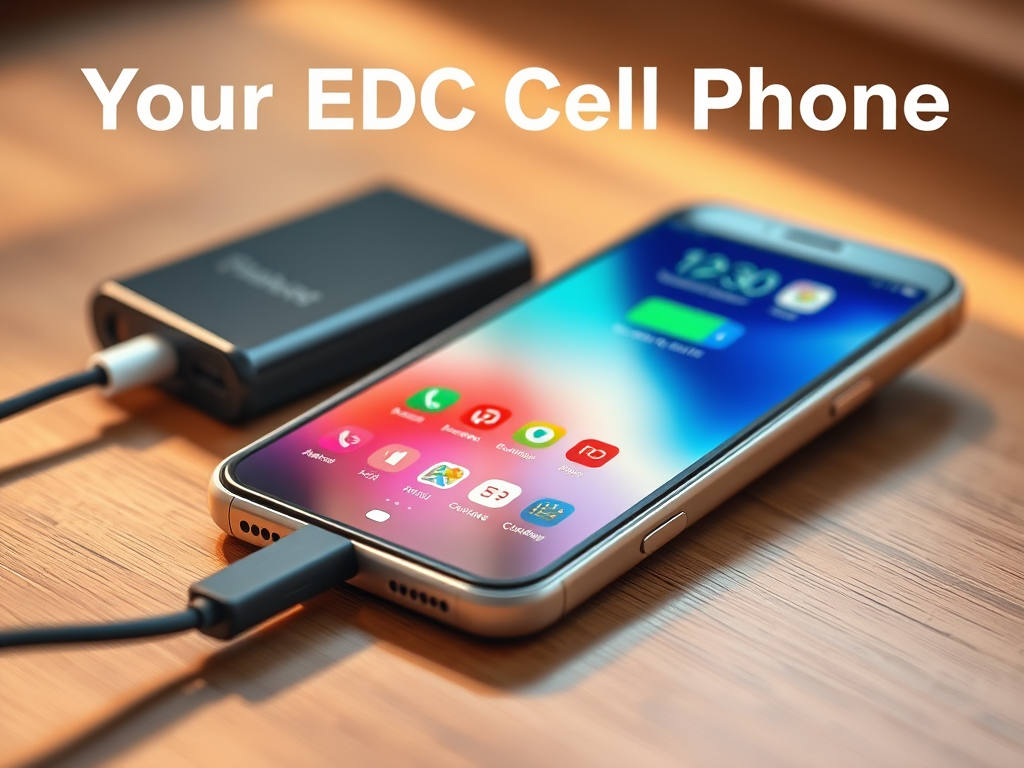
Highlighting carrying a cell phone as part of your EDC might seem redundant, given not only how ubiquitous they are, but also the fact that pretty much everyone is a subject matter expert in their use. Everyday use, at least. But how many of us optimize our phones for emergency use? Let’s look at some ways we can make sure our phones perform when it matters most.
Probably the most important thing to remember when it comes to keeping your cellphone ready for emergencies is keeping it charged. Christian Craighead is a former British SAS operator who played a critical role in the response to the 2019 Nairobi terror attack. Speaking on the Shawn Ryan Show, during the EDC segment (one of my favorite segments of every SRS episode) Christian said one of his preparedness habits is to take every opportunity to charge his cell phone. Having a charged cell phone was crucial in his ability to communicate with other responders during the Nairobi attack. Much like keeping the gas tank in your personal vehicle above half at all times, when your phone gets to 25%-50%, throw it on the charger. You don’t want to reach for your phone in an emergency only to find it at 1% because you were scrolling on TikTok for too long.
Most of the time, charging your phone is going to be as simple as plugging it up to a standard USB-type charging cable and power cube. However, it’s a great idea to pick up a portable battery pack “pocket juice” style charger. Not only are they super convenient, but they’re perfect for recharging your phone in power outages or whenever you find yourself without access to normal grid power.
Beyond making sure you keep your phone charged, consider downloading apps that you can use to receive alerts for severe weather and other hazardous situations. Most phones now are configured to receive Wireless Emergency Alert (WEA) messages for your specific location, but apps like the Red Cross “Emergency” app are useful for staying aware of a wide range of alerts in areas that you can specify outside of your current location (for example, you can choose to receive alerts for your family’s home location while you’re away at work, etc.)
In addition to communication, your phone is also a powerful tool for orienting yourself if you become lost. Keep in mind that even without service, you can use your phone to view your location. You can do this using Google Maps, or a more powerful app like Gaia GPS.
It’s easy to take a device that you use everyday for granted, but remember that your cell phone is one of the most powerful tools in your EDC arsenal!
 The Everyday Preparedness Blog